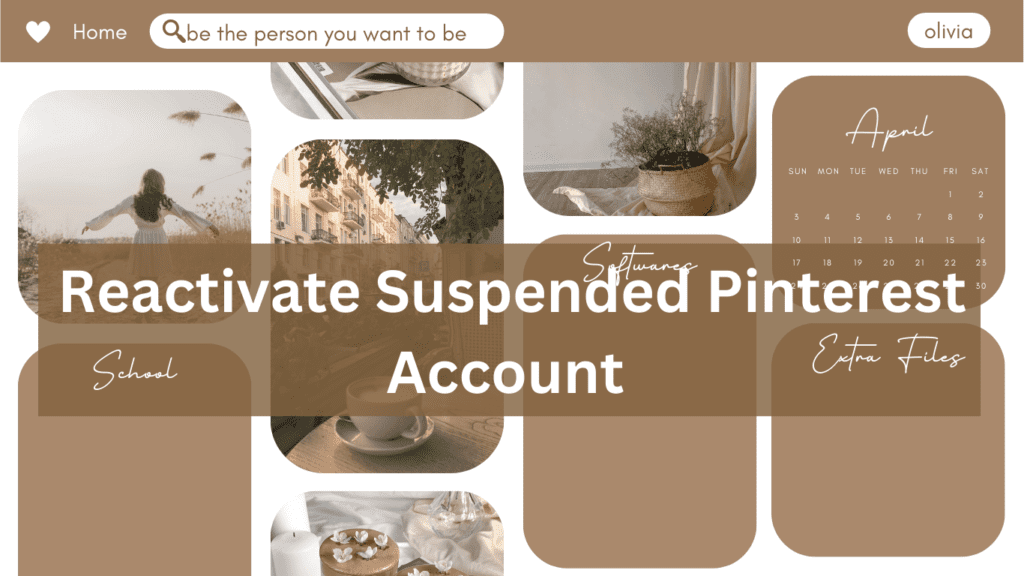
How to Reactivate Suspended Pinterest Account in 6 Easy Steps
Has your Pinterest account been suspended? Whether it was flagged for spam or no apparent reason, losing access to your account can feel frustrating.But don’t worry—you’re not alone. In this guide, you’ll learn the most common reasons for a suspended Pinterest account and the exact steps to reactivate your Pinterest account quickly. Why Was Your Pinterest Account Suspended? Pinterest accounts may get suspended for several reasons, including: Be Cooled Headed even Suspended Pinterest Account The first step would be to relax. It must be dealt with professionally. It’s when you reach out to Pinterest support where your request goes through to get reviewed by a real person. Then, the kind and polite wording has more probabilities of resolving it. Contact Pinterest Support To revive your Pinterest account, follow these simple steps: Email Pinterest Creator Support Along with submitting the support form, email creators-support@pinterest.com. This team deals specifically with account issues for content creators. Be Patient Pinterest usually responds within a few business days, and they do not work on weekends or holidays. You may get an automated reply stating that the decision is final, but don’t lose hope. Many users have been able to reactivate their accounts even after receiving such messages. Answer Follow-Up Emails If Pinterest sends a follow-up email, respond promptly and professionally. Avoid expressing frustration—remain calm and reiterate your request to have your suspended Pinterest account reviewed. How to Prevent Future Account Suspensions To avoid having to reactivate your Pinterest account in the future, follow these tips: Follow Community Guidelines Read Pinterest’s Community Guidelines. Pay special attention to the sections on spam and content quality. Use a Business Account Switch to a business account if you are using Pinterest for business. Business accounts are less likely to be reported, and you can verify your website for more authenticity. Spamming Don’t send spam messages with links to other users.Avoid over-commenting with similar messages or links to your website.Do not pin the same content several times to the same board in a short time. Authorized Tools Only use Pinterest-approved tools like Tailwind for scheduling pins. Using unauthorized software may trigger spam filters. Respect Copyright Never use images from Google or other unverified sources. Stick to free or paid stock image websites and keep proof of purchase or licenses. Pin Strategically Don’t flood your boards with the same pins repeatedly. Ensure your content adds value and follows Pinterest’s spam policies. What If Your Domain Gets Blocked? If your domain is blocked, it’s more serious than getting your account suspended. Users will not be able to access your website through your Pinterest pins. To fix this: Final Thoughts Dealing with a suspended Pinterest account can be stressful, but it’s often possible to resolve the issue. By following Pinterest’s guidelines and contacting support professionally, you’ll increase your chances of reactivating your account. If this guide has helped you, please share it with your friends or fellow content creators who may be having some account issues. Together, we can navigate Pinterest’s policies and continue growing our businesses online.